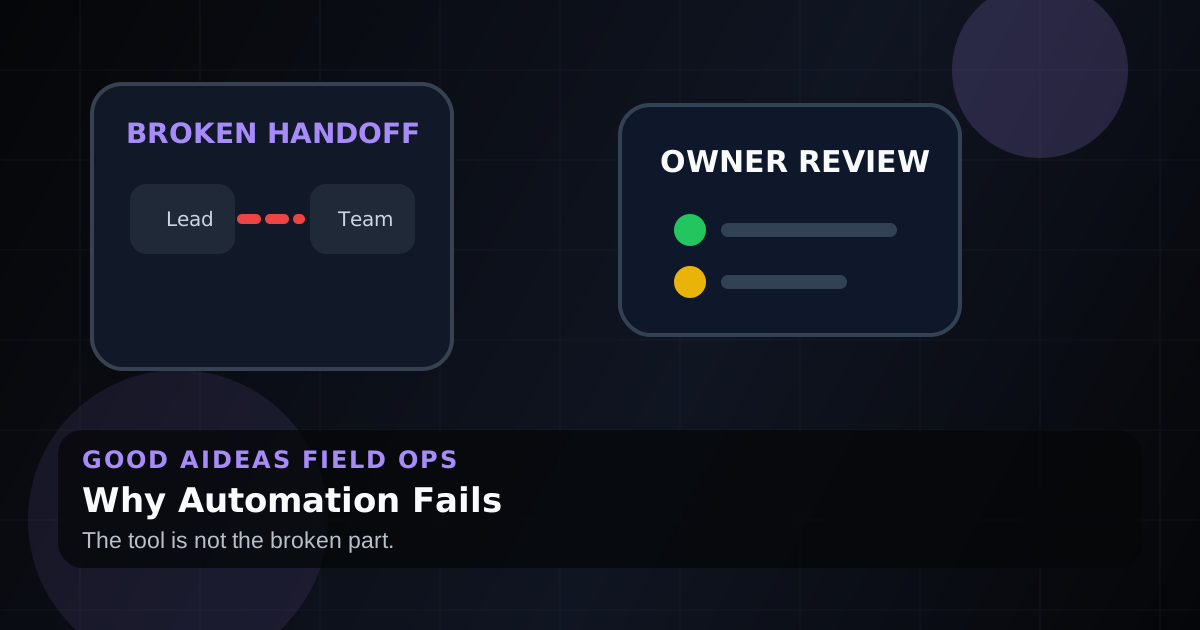
The Real Reason Your Automation Fails (It's Not the Tool)
Most automations fail because nobody owns the handoff, checks the output, or helps the team trust it.
You did not fail because the software was bad.
Most service business automations fail because the handoff around the software was never designed.
The trigger works. The connection works. The first test looks fine. Then the real business shows up: messy job names, missing phone numbers, late invoices, urgent customers, and a team that still uses the old habit because nobody trusts the new one yet.
The short answer
Business automation usually fails because there is no owner, no feedback loop, no edge-case plan, and no human review where judgment matters. The fix is to treat automation like an operational process, not a one-time tech setup.
One reliable workflow beats fifteen automations nobody checks.
If the failed workflow touches leads, estimates, invoices, or customer updates, start by mapping the handoff before changing software. The Operations Automation for Service Businesses page shows how Good AiDeas thinks about monitored workflows across a service business.
What failure usually looks like
The automation itself is rarely the whole problem.
| Failure pattern | What it looks like | What fixes it |
|---|---|---|
| No owner | Nobody knows who checks it | Assign one person to review the workflow |
| No visibility | It breaks quietly | Add alerts, logs, or a simple daily summary |
| Perfect-input assumption | One messy field breaks the chain | Handle missing or weird data upfront |
| No team buy-in | People keep doing it manually | Train the team and keep judgment calls human |
| Too much at once | Nobody trusts the system | Start with one workflow that runs every day |
If your team stopped using the automation, listen to that. They are usually telling you where the process was weak.
It is not a tool problem
The tool can send the message, move the record, create the invoice, or update the customer.
But the tool does not know your business rules unless someone defines them.
What happens when a job is canceled? What happens when a customer replies with a pricing question? What happens when a lead comes in after hours and says it is urgent? What happens when the technician note is blank?
Those are not software questions. Those are operating questions.
The automation your team actually uses
Businesses with working automations usually have the same pattern:
- One clear workflow. Everyone knows what starts it and what should happen next.
- A human owner. Someone checks it and cares if it works.
- A feedback loop. Errors and exceptions are visible quickly.
- A stop rule. The workflow knows when not to keep firing.
- Human review where it matters. Automation handles the boring part. People handle judgment.
That is why simple workflows often outperform complex builds.
A better first automation
For most service businesses, the right first automation is close to revenue.
Good examples:
- After-hours lead response
- Field service lead and job handoffs
- Estimate follow-up
- Missed call text back
- Invoice reminders
- Review request routing
These workflows happen often. They are easy to see. And they either protect revenue or save the office team from repetitive chasing.
What to do before building another workflow
Ask these questions first:
- What dropped ball are we fixing?
- Who owns it today?
- What should happen automatically?
- Where does a human need to review?
- What edge cases happen often?
- How will we know it ran?
- What should stop the workflow?
- What does success look like after two weeks?
If those answers are vague, the automation is not ready.
A quick readiness check
Before another build, use this small test:
| Question | Ready answer | Risky answer |
|---|---|---|
| What starts the workflow? | One clear trigger | Several possible triggers |
| Who reviews exceptions? | Named owner or role | Nobody unless a customer complains |
| What should stop the automation? | Clear stop rule | It keeps firing until someone notices |
| How will the team see it worked? | Alert, note, dashboard, or daily summary | Trust that it ran |
| What stays human? | Pricing, judgment, exceptions, sensitive replies | Everything is pushed through automatically |
This check is especially useful before adding lead-response or estimate-follow-up automation because those workflows affect real customers quickly.
Why "set it and forget it" breaks
Service businesses change every week.
People call out. Schedules move. Customers reply in weird ways. Techs enter notes differently. Owners change priorities. A workflow that worked in a test can still fail in the real day.
That does not mean automation is fragile. It means it needs monitoring.
A new employee needs training and check-ins. So does a new workflow.
FAQ
Why do automations fail?
Automations fail when the process around them is unclear. Common causes include no owner, no feedback loop, bad input data, missing edge-case rules, and no team adoption.
For service businesses, the weak point is often a handoff: a missed call, a web form, an estimate that goes quiet, or an invoice reminder nobody owns.
How do you make automation reliable?
Start with one workflow, define the trigger and owner, add alerts or review steps, handle common edge cases, and check it after launch.
The workflow should have a visible owner and a simple review habit. A daily summary is often better than another hidden automation.
Should small businesses automate everything?
No. Small businesses should automate the few repetitive handoffs that cost time or revenue. Too much automation at once creates confusion.
What is the best first automation for a service business?
Lead response, missed call text back, estimate follow-up, and invoice reminders are often strong first choices because they are frequent and tied to revenue.
Does automation replace people?
Not when it is built well. Good automation removes repetitive steps and gives people cleaner information so they can make better decisions.
Start smaller and make it stick
Good AiDeas helps service businesses find the first workflow worth fixing, build it cleanly, and keep a human review loop where it matters.
If your automation failed before, the next move is not more tools. It is a better operating loop.
Start with the Ops Scorecard, then pick one dropped ball to fix first. If you already know the issue is revenue follow-up, review the Speed-to-Lead Engine, Estimate Follow-Up Engine, or Quick Immediate Wins before building another disconnected workflow.
Next step
Find the leak, then pick the monitored fix.
Not sure which workflow is leaking attention first? Start with the Scorecard, or continue into the offer most related to this field note.
For websites where unclear offers, forms, and routing make monitored automation harder to trust.