Estimate Follow-Up Automation for Service Businesses
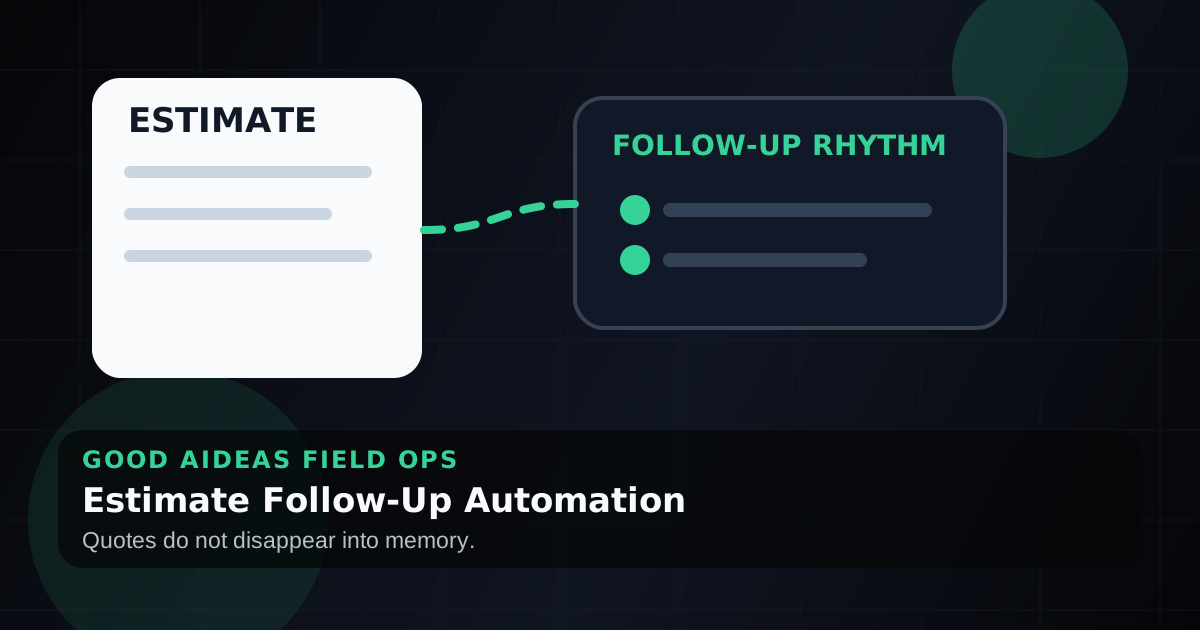
Most lost estimates do not need a better sales pitch. They need a clean follow-up rhythm that does not depend on memory.
A sent estimate is not a finished sale.
It is a handoff.
And for many service businesses, that handoff gets quiet fast. The estimate goes out, the customer gets busy, the office moves on, and the owner wonders why good leads went cold.
The short answer
Estimate follow-up automation helps service businesses contact customers after a quote is sent, remind the team when a decision is stuck, and keep the owner from chasing every open opportunity manually. The goal is not to pressure people. The goal is to make sure good estimates do not disappear because nobody remembered the next step. If this is the handoff breaking inside the business, the Estimate Follow-Up Engine is the focused commercial path.
Where estimates get stuck
Most estimate follow-up problems are operational, not sales-related.
| Problem | What happens | What automation can do |
|---|---|---|
| No follow-up owner | Everyone assumes someone else called | Assign the next step automatically |
| No timing | Follow-up happens whenever someone remembers | Start a set sequence after the estimate is sent |
| No status | Owner cannot tell what is warm or dead | Keep a visible open-estimate list |
| No customer context | Every call starts from scratch | Keep notes and last touch in one place |
| No stop rule | Customers get awkward duplicate messages | Stop follow-up when they reply, approve, or decline |
The fix is a rhythm, not a blast campaign.
The follow-up queue the team can trust
A follow-up system does not have to start as a big CRM migration.
It has to answer five questions every day:
- Which estimates are still open?
- Who owns the next action?
- When is the next follow-up due?
- What happened in the last customer conversation?
- Is there a reason follow-up should pause?
That last question matters. A customer may have already replied, asked for a change, raised a scope question, or said they need more time. Good follow-up automation should not ignore that context. It should keep the exception visible so a human can review it.
If the team does not trust the list, the tool does not matter. A spreadsheet, CRM, field-service platform, or task board can all become a more expensive place to forget things.
A simple follow-up rhythm
For many service businesses, this is enough:
- Same day: Confirm the estimate was received.
- Two days later: Ask if they have questions.
- Five to seven days later: Offer to review scope, timing, or next steps.
- Ten to fourteen days later: Move it to owner review or long-term nurture.
The timing should match the job size. Emergency repairs need faster follow-up. Large projects may need more space.
What the message should sound like
Keep it normal.
Example:
Hi, this is Good AiDeas example copy. Just checking that you received the estimate and had everything you needed to make a decision. If you want us to review scope or timing, reply here and we can help.
The point is not to sound automated. The point is to be useful.
What should stay human
Do not automate judgment calls.
A human should review:
- Large-ticket estimates
- Angry or confused customer replies
- Scope changes
- Price objections
- Repeat customers
- Commercial opportunities
Automation should keep the follow-up from slipping. It should not negotiate the job for you.
What to track
Track the signals that show whether the workflow is working:
- Estimates sent
- Estimates followed up on time
- Replies received
- Approvals won
- Estimates stuck with no next step
- Average days from estimate sent to decision
If nothing is measured, the owner still has to ask around.
Quick checklist
Before automating estimate follow-up, define:
- When an estimate counts as sent
- Who owns the follow-up
- What message goes out first
- When a human should review
- When follow-up should stop
- Where replies should go
- What the owner needs to see weekly
That makes the workflow safe enough to trust.
FAQ
What is estimate follow-up automation?
Estimate follow-up automation is a workflow that reminds customers and staff after a quote is sent, so open estimates do not go cold without a next step.
How soon should a contractor follow up after sending an estimate?
Usually the same day or next business day to confirm receipt, then again a few days later if there is no response. Urgent jobs may need faster follow-up.
Should follow-up messages be automated?
Yes, for confirmation and reminders. Human review should stay in place for complex jobs, price questions, scope changes, or unhappy customers.
Do I need a new CRM to fix estimate follow-up?
Not always. If your current system can show the estimate, owner, next follow-up date, last customer context, and exception reason, the first fix may be workflow discipline rather than new software.
What should stop an automated follow-up?
A reply, scope change, pricing question, dispute, missing information, or owner-review item should pause the normal path and route the estimate for human review.
What is the biggest mistake with estimate follow-up?
The biggest mistake is having no owner and no stop rule. That creates either silence or awkward duplicate messages.
Can automation help close more estimates?
It can protect opportunities that would otherwise go quiet. It works best when paired with clear job notes, fast replies, and human review for serious buyers.
Turn quiet estimates into visible work
Good AiDeas helps service businesses find the first missed handoff worth fixing. If quiet estimates are costing you, start with the Ops Scorecard, review the Estimate Follow-Up Engine, and map the follow-up rhythm before adding more tools.
Next step
Find the leak, then pick the monitored fix.
Not sure which workflow is leaking attention first? Start with the Scorecard, or continue into the offer most related to this field note.
For open quotes that need structured follow-up, owner visibility, and fewer quiet handoffs.